




Free 3D Software: CAD, Mesh Modelling & Metrology Resources
For Beginner, Education, 3D Printing and 3D Scanning.
Professional digital manufacturing relies on three distinct software pillars: Parametric CAD for engineering, Mesh Modelling for organic design, and Metrology for verification. While enterprise licenses represent a significant investment, many industry-standard developers provide free access pathways for beginners and verified students. This guide categorises the most effective tools for developing a professional 3D workflow without initial capital expenditure.

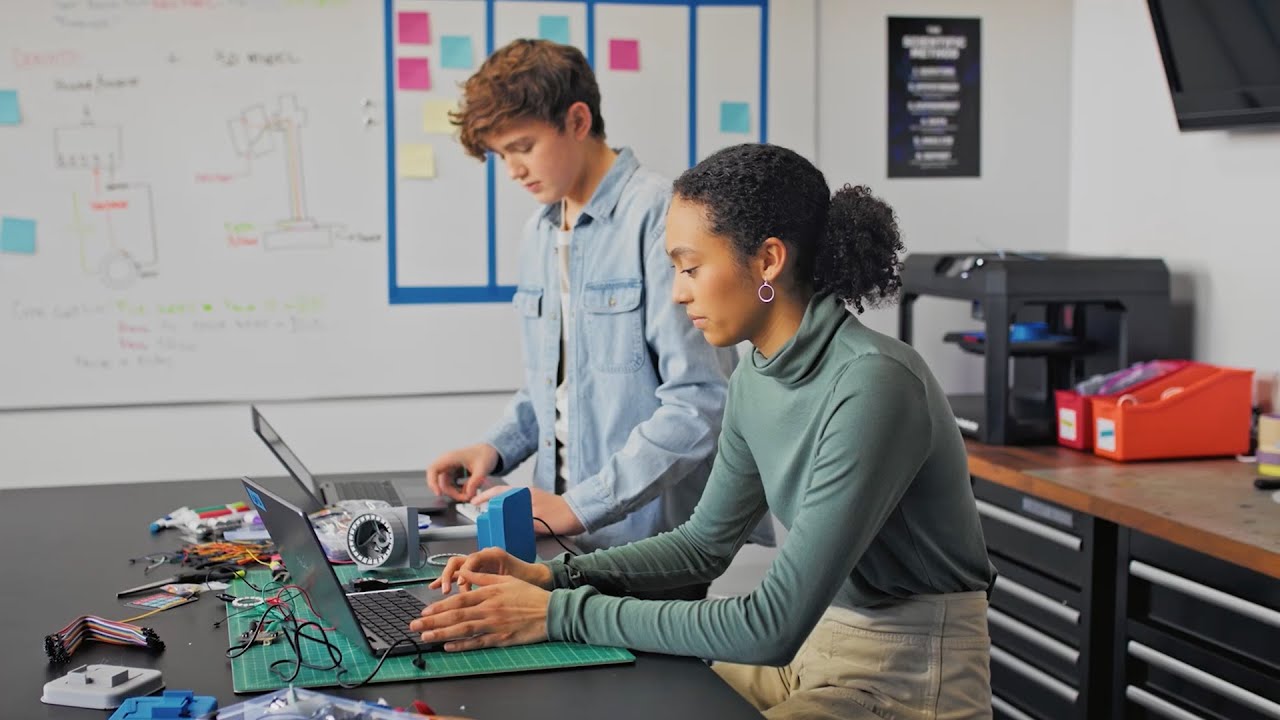
Best for Beginners Intuitive Entry Points
Many software giants offer their full-featured "Enterprise" versions to students and educators for free. These are career-ready tools; learning them provides a direct advantage in the Australian engineering and industrial design sectors.
Tinkercad
The benchmark for entry-level 3D design. Tinkercad uses a Boolean workflow—adding and subtracting shapes—to build complex models. Because it is cloud-based, it requires no installation and is the ideal starting point for understanding 3D volume.
Best for: Simple mechanical enclosures, household repairs, and children.
Access: Completely free with an Autodesk account.
SketchUp Free
For architectural concepts and woodworking, SketchUp remains the most intuitive "push-pull" modeller. The web version provides the core toolset for creating clean, rectilinear geometry that is easily exported for 3D printing.
Best for: Architectural layouts, furniture design, and floor plans.
Access: Free web-based version for personal use.

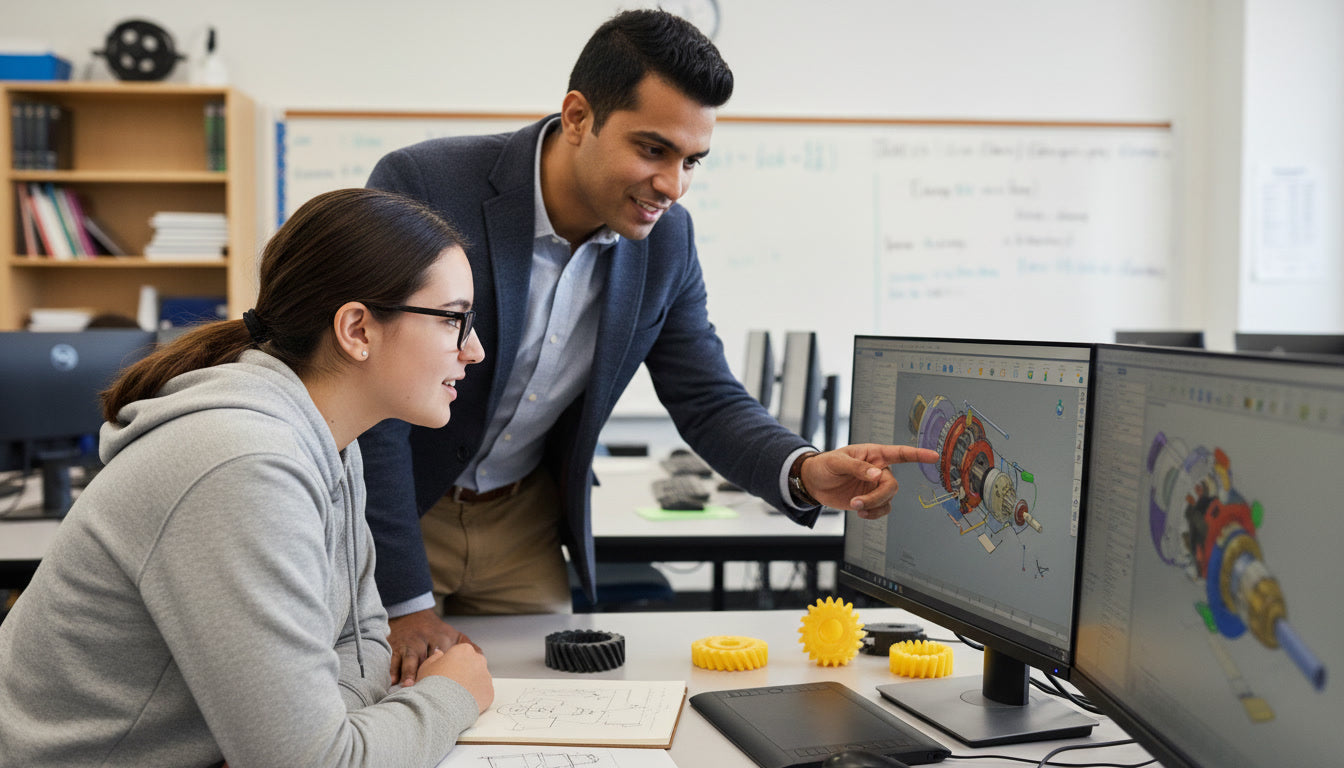
Best for Education Professional-Tier Student Licenses
Entering the 3D ecosystem requires tools that teach spatial logic without the steep learning curve of advanced engineering constraints. These options prioritised browser-based accessibility and "primitive" geometry manipulation.
Onshape
Onshape is a professional-grade parametric CAD platform built by the founders of SOLIDWORKS. It runs entirely in a web browser, making it the perfect solution for students using Macs or Chromebooks that lack the hardware to run heavy local CAD installs.
Best for: Collaborative engineering projects and school-based STEM programs.
Access: Free for students and educators with a verified educational email (.edu).
Autodesk Inventor
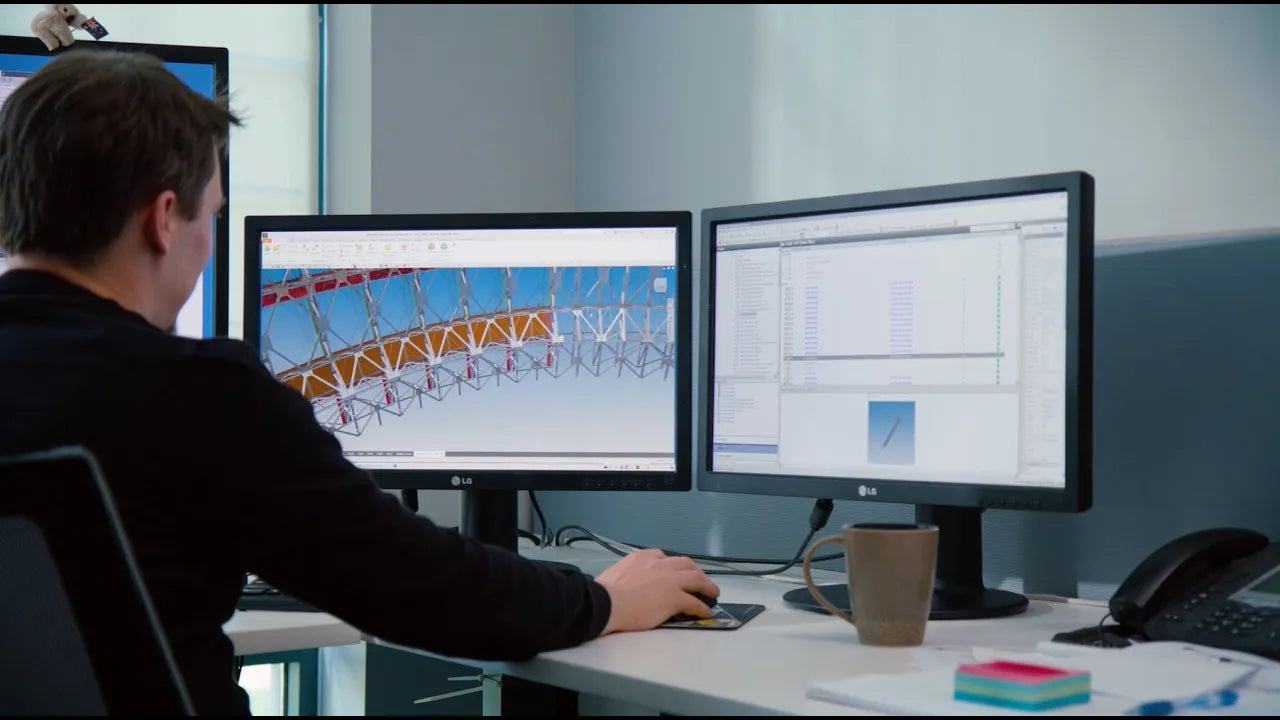
Autodesk Inventor is the definitive choice for large-scale mechanical engineering. Unlike cloud-hybrid tools, Inventor is a dedicated desktop application designed to handle assemblies containing thousands of complex parts. The 2026 version introduces advanced associative mirroring and direct integration with Netfabb, making it the laboratory standard for engineers designing for high-end additive manufacturing.
Best for: Complex machinery, industrial automation, and deep mechanical simulation.
Access: Free 1-year renewable license for verified students.

Autodesk Fusion
Autodesk Fusion represents the modern, integrated approach to product development. It merges CAD, CAM, CAE, and PCB design into a single cloud-native environment. The 2026 update includes the Autodesk Assistant (Tech Preview), an AI-driven interface that allows students to generate geometry and manufacturing toolpaths using natural language commands—significantly reducing the learning curve for integrated manufacturing.
Best for: Collaborative design, CNC programming (CAM), and generative design.
Access: Free 1-year renewable license for verified students and educators.
Solid Edge
Siemens’ Solid Edge features "Synchronous Technology," a hybrid modelling approach that allows users to edit geometry directly without navigating a complex history tree. This is an essential skill for Australian engineering firms involved in reverse engineering and legacy data migration.
Best for: Learning synchronous modelling and direct geometry manipulation.
Access: Free for active students; includes advanced simulation and motion analysis.

Best for Mesh Modelling
Slicing software acts as the definitive translation layer where digital geometry is converted into hardware-specific toolpaths, necessitating expert-level control over volumetric flow limits, cooling thresholds, and acceleration parameters to maintain dimensional accuracy and structural integrity during high-speed hardware execution.

Blender
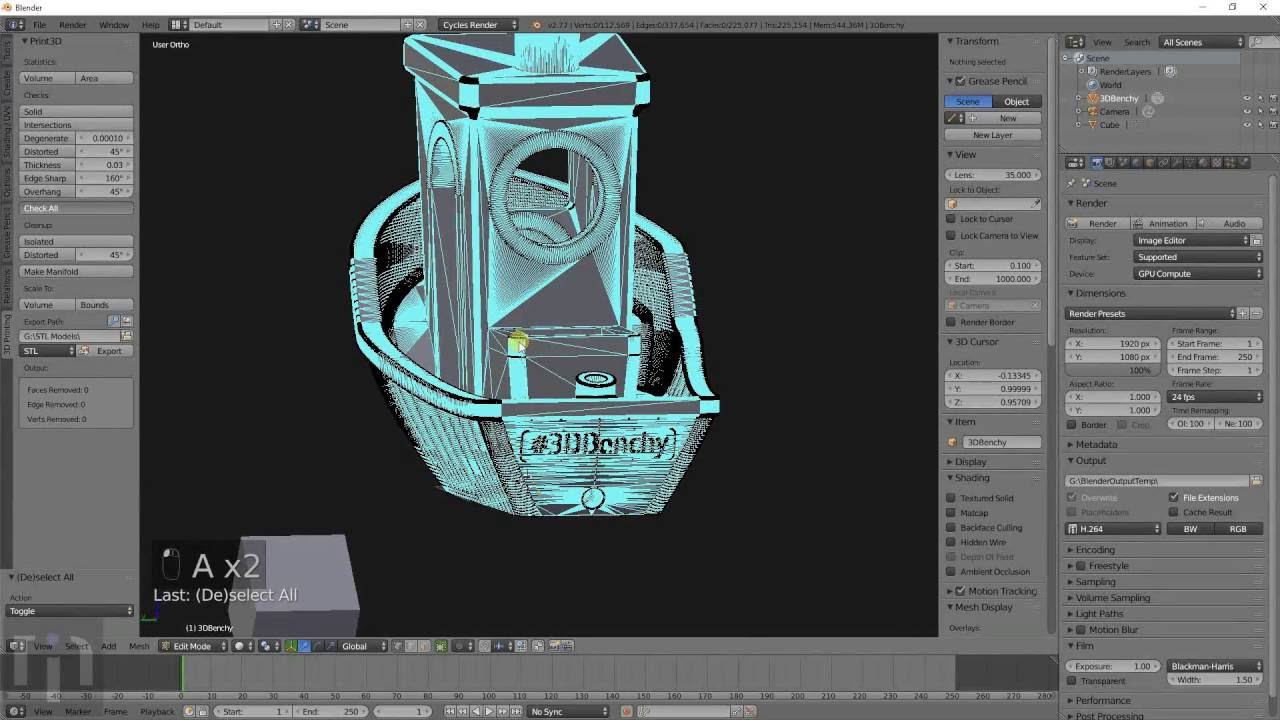
Blender is the most powerful open-source 3D suite in existence. It rivals high-end film and game design software. For 3D printing, its "Sculpt Mode" is indispensable for creating organic characters, jewelry, and prosthetic designs.
Best for: Organic shapes, CGI, and high-detail artistic 3D printing.
Access: 100% Free and Open Source.
Meshmixer
The "Swiss Army Knife"
Meshmixer remains an indispensable tool for mesh surgery. Do you need to clean up a 3D scan, do some 3D printing, or design an object that fits something else? Meshmixer can help. In our 2026 testing, it is still the fastest way to perform "non-manifold" repairs, hollowing for resin prints, and generating custom tree supports. Its "Inspector" tool identifies geometric flaws that standard slicers often miss.
Best for: Hollowing, drain holes, STL repair, and "kit-bashing" multiple meshes.
Access: 100% Free and Open Source.

Best for Scan Data 3D Inspection and Mesh Optimisation
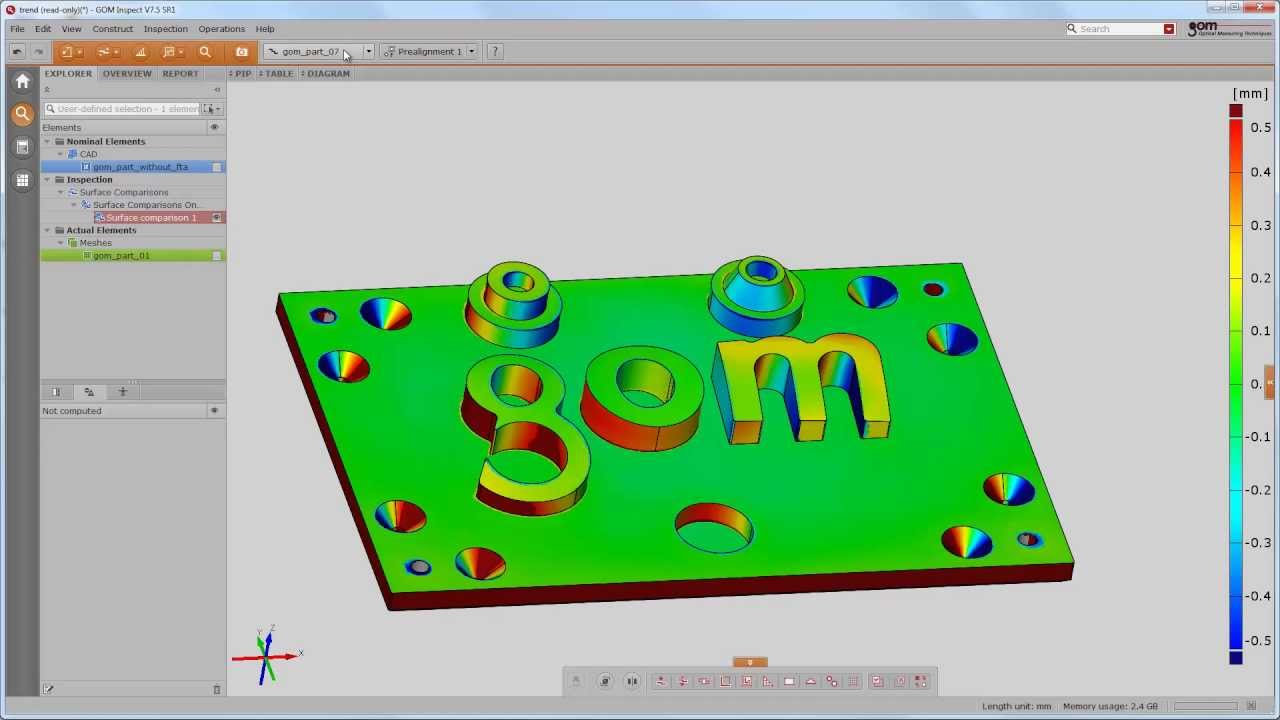
A 3D scanner will capture discreet point data and convert it to a 3D mesh file for export, but that once generated the mesh file may be way to large to import into downstream cad packages, it may have holes or defects. You may to be optimise and aligned for 3D printing,reverse engineering, compare it to CAD or measure it for dimensional accuracy. Here are the best free tools available get the job done.
GOM Inspect
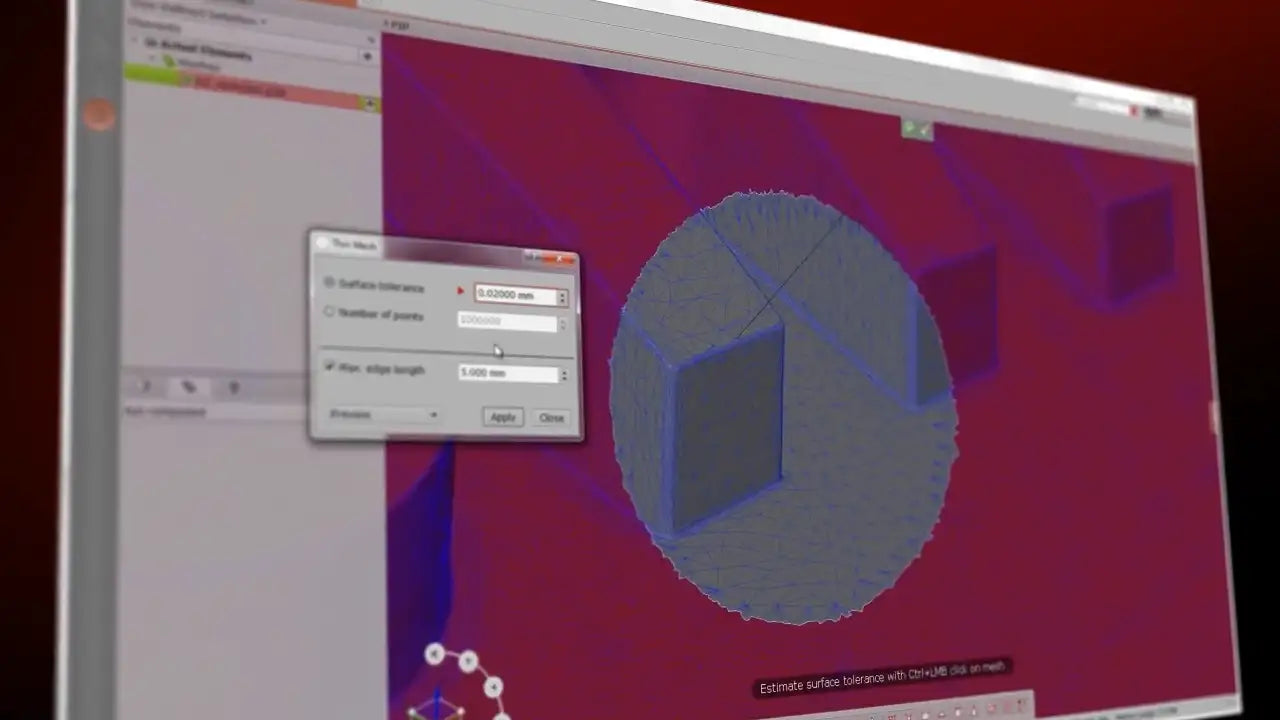
GOM Inspect, this is the metrology standard for non-contact 3D inspection. The free version allows users to align scans to CAD and generate deviation heat-maps—essential for proving that a physical part matches the design intent.
Best for: Mesh Optimisation and cleanup for Scan Data.
Access: Free "Starter" version within the ZEISS Quality Suite.
MeshLab
MeshLab is an open-source platform for processing and editing 3D triangular meshes. It delivers comprehensive tools for mesh editing, cleaning, healing, inspection, rendering, texturing, and conversion.
Best for: Processing raw data produced by 3D digitization tools/devices and for preparing models for 3D printing
Access: 100% Free open source.

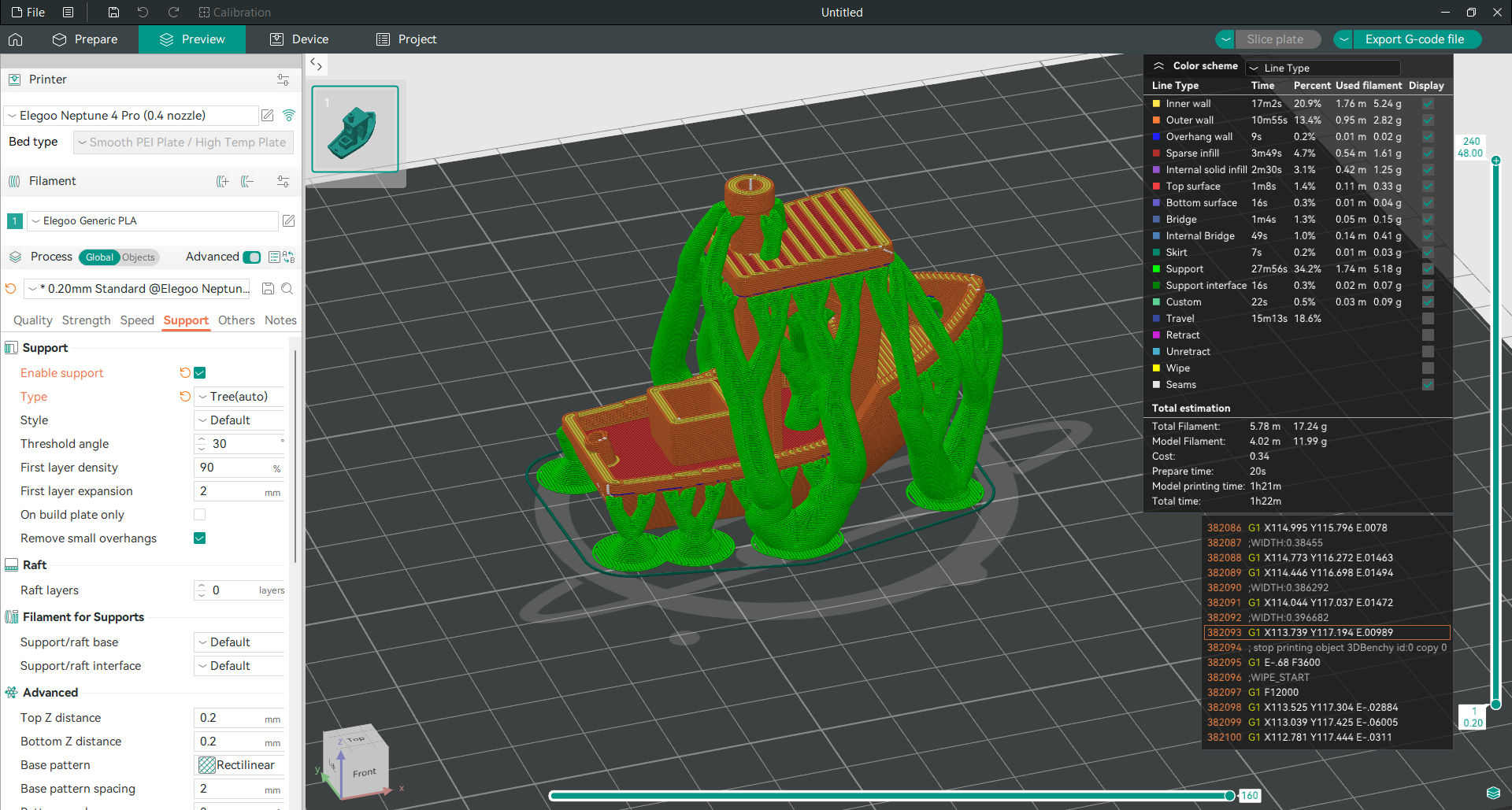
Best Slicers for 3D Printing
3D printing often requires "Shell-based" modelling (meshes) rather than "Solid-based" CAD. These tools focus on high-polygon counts, sculpting, and print preparation.

OrcaSlicer
Preparation for the 3D printer (slicing) is a critical step. OrcaSlicer has emerged as the expert's choice, offering advanced calibration tools and "scarf joint" seam technology that significantly improves the surface finish of FDM prints.
Best for: Advanced print preparation and hardware calibration.
Access: Free and Open Source.
PrusaSlicer
Developed by Prusa Research, PrusaSlicer is renowned for its stability and engineering-focused feature set. Its "Paint-on" supports and multi-material (MMU) management are industry-leading, providing a reliable and feature-rich environment for both Prusa and third-party hardware.
Best for: Multi-material printing, organic supports, and reliable G-code generation.
Access: 100% Free and Open Source.


Ultimaker Cura
Cura is the most widely used slicer globally, known for its extensive marketplace of third-party plugins. Its "Arachne" engine handles variable line widths for intricate details, and its vast library of pre-configured printer profiles makes it the safest choice for older or unique hardware.Best for: Beginners, diverse printer setups, and customized plugin workflows.
Access: 100% Free and Open Source.
3D Software for Sale
-

EXMeasure
$1,159.00 -

EXModel Personal
$349.00 -

QUICKSURFACE Pro
$9,869.00 -

SHINING3D Inspect
$8,299.00 -
Sale


EXModel
$891.00 $3,135.00 -
Sale

Rhino 8 Educational Upgrade for Windows & MAC
$149.00 $165.00 -
Sale

Rhino 8 Educational for Windows & MAC
$289.00 $341.00 -
Sale

Rhino 8 Upgrade for Windows & MAC Commercial Single User
$929.00 $1,040.00 -
Sale

Rhino 8 for Windows & MAC Commercial Single User
$1,589.00 $1,733.00 -
Sale

Rhino 8 for Windows & MAC Educational Lab Kit (R70-LAB)
$1,669.00 $1,704.00 -

Bongo 2.0 Educational Single User
$339.00 -

Bongo 2.0 Commercial Single User
$749.00


Recently Viewed
FAQ's
Not sure which 3D Software is the right for your needs? Talk to the experts...
What is the fundamental difference between parametric CAD and mesh modelling?
What is the fundamental difference between parametric CAD and mesh modelling?
Parametric CAD (Solid-based), such as Autodesk Inventor or Fusion, defines geometry through mathematical relationships and a linear feature history. This allows for precise dimensional control and is essential for functional engineering parts. Mesh modelling (Shell-based), such as Blender or Meshmixer, defines surfaces using a network of vertices, edges, and faces (polygons). While mesh tools offer greater artistic freedom for organic shapes, they lack the "B-Rep" (Boundary Representation) data required for traditional mechanical engineering and complex boolean operations in solid-state CAD.
Can I use student software licenses for commercial manufacturing?
Can I use student software licenses for commercial manufacturing?
Strictly no. Most academic licenses from Autodesk (Inventor/Fusion) and Siemens (Solid Edge) are provided under a non-commercial agreement. Files generated under these licenses often include an embedded "Academic Watermark" that persists even if the file is later opened in a commercial version. Using student licenses for revenue-generating projects is a breach of the EULA (End User License Agreement) and can lead to significant legal liability for Australian businesses.
Why does my STL file look "faceted" when imported into a slicer?
Why does my STL file look "faceted" when imported into a slicer?
Faceted geometry occurs when the export resolution from your CAD software is set too low. An STL file approximates smooth curves using flat triangles (tessellation). If the deviation tolerance is too loose, the printer will reproduce those flat faces. Our laboratory recommendation is to export with a "Fine" or "Custom" setting, aiming for a chordal deviation of roughly 0.01mm to ensure smooth surface finishes without creating excessively large file sizes that crash the slicer.
Do free slicers like OrcaSlicer and PrusaSlicer work with any 3D printer?
Do free slicers like OrcaSlicer and PrusaSlicer work with any 3D printer?
Not on all 3d printers, but most modern printers that use Open Source Klipper firmware. Manufactures are moving toward closed propriety ecosystems what do not allow the use of 3rd party software (such as Bambu Lab). While these slicers are developed by specific hardware manufacturers, they are open-source and feature extensive libraries of third-party printer profiles. The primary requirement is that your printer accepts standard G-code. For high-speed hardware, OrcaSlicer is often preferred due to its integrated calibration tools for Pressure Advance and Volumetric Flow, which are critical for maintaining dimensional accuracy at speeds exceeding 250mm/s.
What are the hardware requirements for professional-grade 3D software?
What are the hardware requirements for professional-grade 3D software?
While browser-based tools like Onshape and Tinkercad run on basic hardware, local installations of Autodesk Inventor and Blender require significant local resources. For 2026 workflows, we recommend a minimum of 32GB of RAM and a dedicated NVIDIA RTX GPU with at least 8GB of VRAM. Without a dedicated GPU, mesh processing in Blender or metrology analysis in will suffer from significant latency, often leading to software instability during complex boolean operations.
How do I fix a "non-manifold" mesh for 3D printing?
How do I fix a "non-manifold" mesh for 3D printing?
A "non-manifold" mesh has "holes" or self-intersecting faces that prevent the slicer from identifying what is "inside" vs "outside" the part. Some slicing software may detect errors and try to repair a model. but it may not always be successful.
Meshmixer is the most effective tool for repairing these errors. Using the Inspector tool within Meshmixer allows for automated hole-filling and "Make Solid" operations, which re-wraps the geometry into a single, watertight shell ready for hardware execution.


